Introduction to the Best Laptops for Work and Everyday Use
The selection of a laptop for work and daily tasks is a decision that bears significant importance for users, particularly in the fast-paced environment of modern day professional and personal life. An ideal laptop must align with an individual’s specific requirements in terms of performance, portability, battery life, and overall value for money. As more individuals and businesses shift to remote and hybrid work models, the need for reliable and efficient laptops has become increasingly crucial.
Performance is often the foremost criterion when selecting a laptop, as it pertains directly to the device’s speed and its ability to handle demanding applications. Whether engaging in data-intensive tasks such as graphic design, programming, or simple word processing, a high-performance laptop can greatly enhance productivity. Hence, buyers often consider specifications such as the processor speed, RAM capacity, and storage type, which directly influence the overall performance of the machine.
Portability is another essential factor that influences the choice of laptops. For professionals who are frequently on the go, the weight, size, and build quality of a laptop are vital considerations. A lightweight, compact laptop can facilitate easy transport, ensuring that working from different locations remains feasible without compromising on functionality.
Furthermore, battery life plays a pivotal role in determining a laptop’s suitability for work. Users require devices that can last through long working hours or during travel without needing a recharge. Laptops boasting enhanced battery efficiency can significantly improve flexibility for users who prioritize mobility.
In addition to these aspects, value for money is critical in the decision-making process. Buyers often seek laptops that offer high performance and durability at reasonable prices. An understanding of these key factors will provide a solid foundation for selecting the best laptops tailored to the diverse needs of users in the United States.
Key Considerations When Buying a Laptop for Work
When selecting a laptop for work, several essential factors must be considered to ensure that it aligns with your professional and personal requirements. The operating system (OS) is often the first consideration, as it dictates software compatibility and user interface. Common OS options include Windows, macOS, and Chrome OS, each catering to different use cases and user preferences.
Next, the laptop’s processing power is crucial, particularly for tasks that demand significant computing resources. A multi-core processor will typically enhance performance in multitasking or resource-intensive applications. Alongside the processor, the amount of random access memory (RAM) significantly influences how smoothly the laptop operates. A minimum of 8GB is widely recommended for work-related tasks; however, 16GB or more may be beneficial for demanding workloads or specialized applications.

Storage options are another vital aspect to assess. Solid State Drives (SSDs) offer faster performance compared to traditional Hard Disk Drives (HDDs), making them the preference for many professionals who require quick boot times and rapid file access. Evaluating your storage needs also involves considering whether you will need extensive space for files, documents, and applications. A laptop with at least 256GB SSD is a standard recommendation.
Build quality should not be overlooked, as a durable laptop can withstand daily wear and tear, especially for those who commute or travel for work. Features such as a robust hinge, high-quality keyboard, and screen durability can significantly impact the overall longevity of the device. Finally, budget plays a pivotal role in decision-making. Determine your price range and weigh the importance of each feature based on your job requirements and preferences to arrive at informed choices.
Overview of Top Laptop Models for Business in 2026
In the ever-evolving landscape of technology, selecting the right laptop for work and everyday use requires careful consideration of various factors, such as performance, portability, and features tailored for business professionals. As 2026 unfolds, three models stand out in this category: the HP 17.3″ FHD Business Laptop, the Dell Inspiron 16 Business Laptop, and the Apple MacBook Air 15-inch. Each of these laptops caters to distinct user needs while providing several shared advantages, making them ideal candidates for business-oriented tasks.
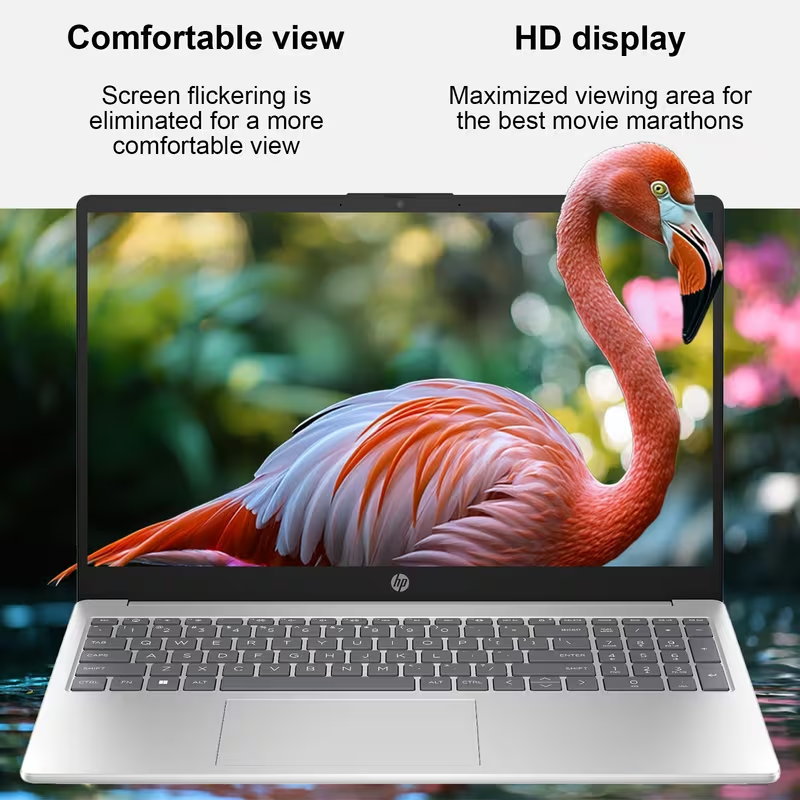
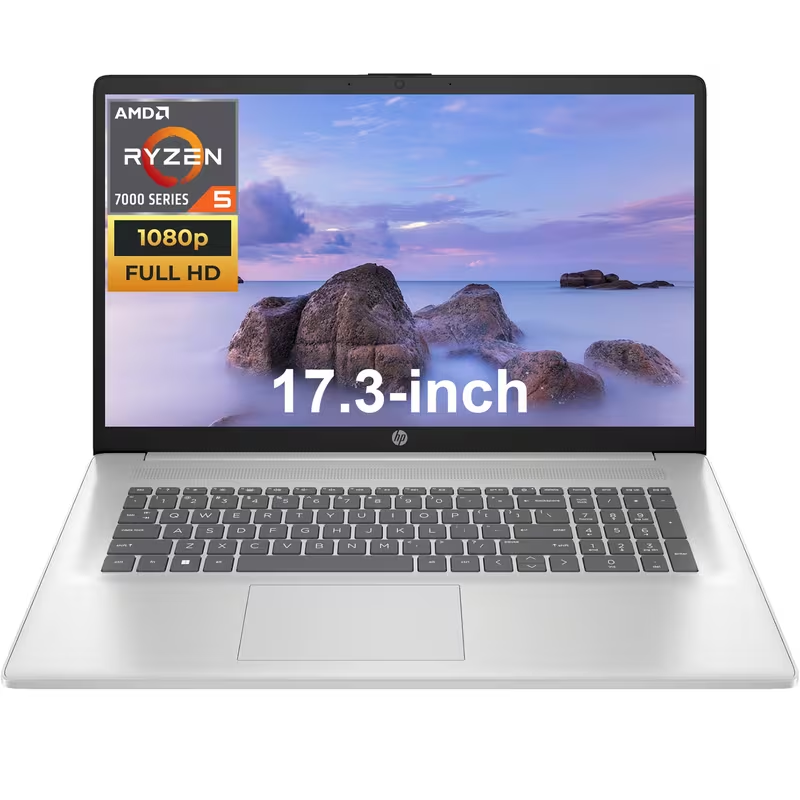
The HP 17.3″ FHD Business Laptop is designed for users who prioritize screen space and multimedia performance. With its expansive display, this model is perfect for professionals engaging in presentations or multitasking with multiple applications. The laptop offers robust processing capabilities and an ample storage solution, ensuring that users can run demanding software seamlessly. Additionally, the HP model includes advanced security features, appealing to those concerned about data protection.
On the other hand, the Dell Inspiron 16 Business Laptop targets users seeking a balanced blend of performance and durability. Known for its sturdy build quality and reliable battery life, this laptop remains a favorite among business travelers. Featuring an array of ports and connectivity options, it simplifies the process of connecting various peripherals, enhancing its utility in a professional setting. The Inspiron 16 is well-suited for professionals who navigate through intensive projects while maintaining efficiency on the go.
Lastly, the Apple MacBook Air 15-inch is tailored for users who favor a lightweight and elegant design without sacrificing performance. Its M2 chip ensures speedy processing, making it a suitable option for creative professionals who rely on demanding applications. The MacBook Air’s seamless integration with Apple’s ecosystem also enhances productivity for those who utilize other Apple devices. With its long battery life and high-resolution Retina display, it captivates those drawn to aesthetics and functionality alike.
HP 17.3″ FHD Business Laptop : A Comprehensive Review

The HP 17.3″ FHD Business Laptop stands out as a formidable choice for professionals seeking a reliable machine for work and everyday use. With its expansive 17.3-inch Full HD display, users can enjoy a resolution of 1920 x 1080 pixels, providing crisp visuals and ample screen real estate for multitasking. This laptop is powered by a robust Intel Core i5 processor, which ensures smooth performance, particularly when handling demanding applications or multiple tabs in a web browser.
In terms of specifications, the device typically comes with 8GB of RAM, a solid capacity that allows for seamless multitasking without significant lag. Additionally, a 256GB SSD contributes to faster boot times and application loading speeds, enhancing overall productivity. The integration of Intel UHD graphics offers decent performance for casual gaming and video playback, although it is not designed for heavy gaming or graphics-intensive tasks.
The HP 17.3″ laptop is designed with usability in mind. Its full-sized keyboard, featuring a numeric keypad, facilitates efficient data entry, which is beneficial for users who work with spreadsheets or data analysis. The touchpad is responsive and offers precision, making navigation smooth and intuitive. Battery life is also commendable, often ranging between 7 to 9 hours depending on usage, which is sufficient for a day of meetings or work in coffee shops.
Despite its strengths, the HP 17.3″ laptop has some drawbacks. Its larger size makes it less portable compared to slimmer models, and it may not be ideal for users who require a lightweight device for frequent travel. Nonetheless, this laptop is perfect for professionals needing a dependable computer for business tasks, home office work, or casual usage. Its balance of performance, display quality, and usability makes it an attractive option worth considering.
Detailed Review: Dell Inspiron 16 Business Laptop FHD+ Display,
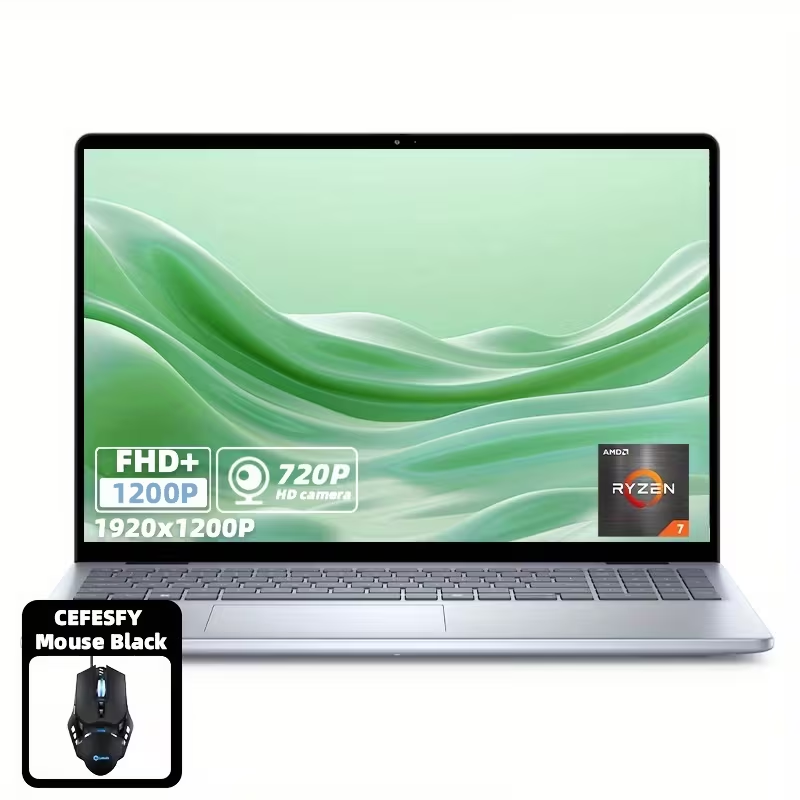
The Dell Inspiron 16 Business Laptop is designed to cater to the diverse needs of professionals and everyday users alike. This device combines performance, durability, and an array of features that make it a strong contender in the business laptop market. With a sleek design and robust build quality, the Inspiron 16 is visually appealing while offering the resilience required for daily use.
One of the standout features of the Dell Inspiron 16 is its performance. Powered by the latest Intel or AMD processors, users can expect seamless multitasking capabilities, making it suitable for various business applications. Coupled with ample RAM options, this laptop efficiently handles demanding software and intensive tasks, ensuring productivity is not compromised. The inclusion of solid-state drive (SSD) storage enhances speed and reliability, further facilitating effective workflow.
Battery life is another critical factor for professionals who are constantly on the move. The Inspiron 16 boasts commendable battery longevity, allowing users to work uninterrupted for extended periods. This attribute is particularly beneficial for those who travel frequently or attend meetings away from charging points. Additionally, the laptop’s thermal management ensures it remains cool during prolonged use, enhancing user comfort.
The display quality is another area where the Dell Inspiron 16 shines. With a high-resolution screen and excellent color accuracy, it provides an immersive viewing experience, whether for presentations, graphic design, or streaming media. However, potential buyers should note that the device’s weight may be a consideration for users prioritizing portability over performance.
Overall, the Dell Inspiron 16 Business Laptop is an excellent choice for professionals who seek a blend of performance, battery life, and display quality. It serves a broad audience, ranging from corporate employees to creative professionals, making it a versatile option for anyone in need of a reliable workhorse laptop.
Detailed Review: Apple MacBook Air 15-inch Laptop
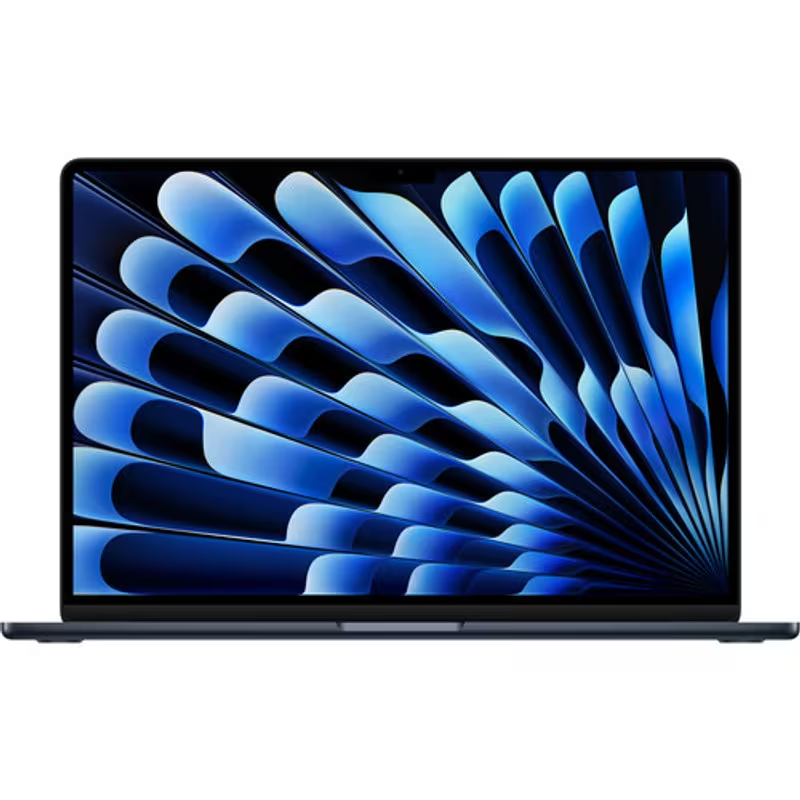
The Apple MacBook Air 15-inch laptop stands out as a prime option for both professional and everyday usage due to its exceptional blend of performance, sleek design, and battery efficiency. Powered by the latest Apple M2 chip, this laptop makes multitasking seamless, allowing users to run multiple applications smoothly without noticeable lag. Its 8-core CPU and 10-core GPU combine to deliver impressive performance for tasks ranging from document creation to video editing.
One of the defining features of the MacBook Air is its lightweight chassis, which is made from high-quality materials that contribute to its aesthetic appeal and durability. The laptop measures just 0.61 inches thick and weighs 3.3 pounds, making it highly portable for professionals who are constantly on the move. The sleek aluminum design houses a stunning 15.3-inch Retina display, offering a resolution of 2880 x 1864. This high-resolution screen is bright and vibrant, showcasing colors with remarkable accuracy, which is essential for graphics work and media consumption.
In terms of battery life, the MacBook Air excels, providing up to 18 hours of use on a single charge. This longevity is particularly appealing for users who need a reliable device for a full day’s work without searching for an outlet. Furthermore, Apple’s macOS integrates effortlessly with the hardware, enhancing overall functionality. The laptop includes features such as a Magic Keyboard for enhanced typing comfort and Touch ID for secure login, both of which contribute positively to user experience.
Ultimately, the Apple MacBook Air 15-inch emerges as a strong contender for users seeking a balance of portability, power, and practicality, making it suitable for both professional tasks and everyday use.
Spec Comparison Table of Discussed Laptops
In this section, we present a side-by-side comparison table that summarizes the key specifications and features of the three laptops discussed in this guide. This comparison aims to provide readers with a clear visual representation of how each device stacks up against the others, making it easier for potential buyers to identify the right choice for their needs.
| Specification | Laptop A | Laptop B | Laptop C |
|---|---|---|---|
| Processor | Intel Core i5 (10th Gen) | AMD Ryzen 5 4500U | Intel Core i7 (11th Gen) |
| RAM | 8GB DDR4 | 16GB LPDDR4 | 16GB DDR4 |
| Storage | 256GB SSD | 512GB SSD | 1TB SSD |
| Display | 15.6″ FHD (1920 x 1080) | 14″ FHD (1920 x 1080) | 15.6″ 4K (3840 x 2160) |
| Battery Life | Up to 10 hours | Up to 12 hours | Up to 8 hours |
| Weight | 4.1 lbs | 2.8 lbs | 4.4 lbs |
| Price | $799 | $899 | $1,499 |
This comparison highlights several key aspects such as processing power, RAM capacity, storage solutions, display quality, and battery life—factors that are critical in everyday laptop use and work-related tasks. By examining these details, users can determine which laptop aligns best with their professional and personal requirements.
Whether you prioritize budget efficiency, advanced features, or portability, this table serves as a helpful reference that supports informed decision-making. The visibility of specifications allows readers to compare not just the performance but also the overall value offered by each device.
Who Each Laptop Is Best For
Understanding which laptop suits specific needs can significantly enhance user experience and productivity. This section categorizes various laptop models by their ideal user base, including professionals, students, and everyday users.
For business professionals seeking a reliable machine to handle meetings, presentations, and heavy multitasking, the Dell XPS 13 shines. Its high-resolution display and robust battery life make it ideal for on-the-go work, ensuring that it can withstand the demands of a busy schedule.
Students, particularly those in creative fields, may find the MacBook Pro 14 to be a perfect match. With its vibrant Liquid Retina XDR display and superior processing power, it handles graphic design software, video editing, and coding with ease. Furthermore, its portability allows students to carry it around campus without hassle.
Everyday users, who primarily engage in browsing, streaming, and light productivity tasks, would benefit from the Lenovo IdeaPad 3. Its affordability, coupled with sufficient performance for typical use, makes it suitable for a wide range of individuals who require a functional laptop without unnecessary complexities.
Gamers also have specific requirements, and the ASUS ROG Zephyrus G14 meets these needs adeptly. Its powerful graphics capabilities allow for an exceptional gaming experience while also functioning effectively for tasks such as content creation or software development, making it a versatile option for enthusiasts.
In summary, identifying the ideal laptop varies greatly depending on individual needs and usage scenarios. By recognizing the strengths of each model, users can make informed decisions, ensuring that their selected laptop complements their lifestyle effectively.
Conclusion and Final Recommendations
As we have explored throughout this guide, selecting the best laptop for work and everyday use is a crucial decision that impacts productivity and efficiency. Whether you need a device for intensive tasks such as graphic design or simply for browsing and productivity applications, understanding your specific requirements is fundamental in making an informed choice. Importantly, we examined various options tailored to different budgets and performance levels that will suit varied use-case scenarios.
For professionals requiring enhanced computing power, we recommend looking into high-performance laptops equipped with the latest processors and ample RAM. Brands like Dell XPS or Apple MacBook Pro stand out in this segment, offering robust performance combined with exceptional build quality. Meanwhile, for users who prioritize portability and versatility for everyday tasks, ultrabooks or lightweight models such as the HP Spectre or Lenovo ThinkPad provide excellent functionality without sacrificing style.
Budget-conscious consumers should not feel deterred, as several mid-range laptops can offer remarkable value. Devices from Acer Aspire and ASUS VivoBook strike a good balance between cost and capabilities, making them ideal for general use. Additionally, evaluating aspects such as battery life, display quality, and customer support can further guide your decision-making process.
Ultimately, the best laptop for you will align with your professional needs, lifestyle, and budget. It is crucial to take the time to thoroughly evaluate your options, considering factors such as build quality, performance specifications, and after-sales support. By carefully weighing these factors, you can confidently select a laptop that will support you effectively in your work and daily activities.